Team Game Jam - Goo Surge
Video link:
Languages: C# (Unity)
About
Goo Surge was a game made for the Pirate Software Game Jam, with the central theme of the games being the phrase ‘It’s Spreading’. The game involves the player traversing a map, searching for the goo containers in order to break the substance out and cause destruction. Myself and three other teammates spend 2 weeks of our winter break putting together a game with a technically impressive central mechanic, that being the spreading and control over the goo. We managed to release the game with a full gameplay loop whilst maintaining a framerate above 60fps, with the only major critisism of the game being the lack of context cues/tutorial that helped instruct the player on what to do.
My main contributions to the game were:
- Constructing the main player and their main functionalities.
- Ensuring that said player felt satisfying to control.
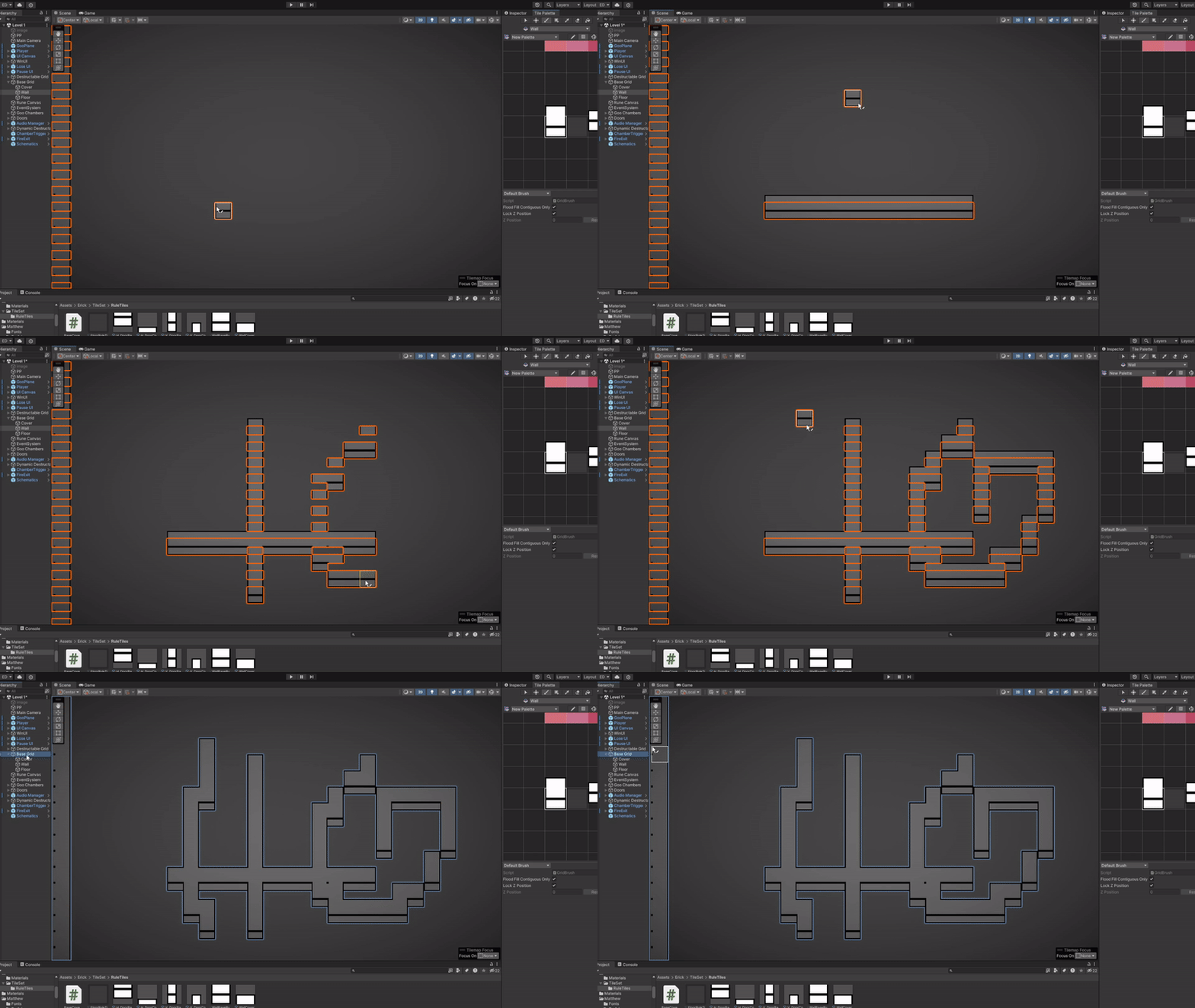
- Building the main tool needed make the enviroment.
- Some art used inside and out of the game (including the main thumbnail art).
GitHub repo at: https://github.com/HeavyMetalGameDev/pirate-game-jam.
Download game at: https://nijelous.itch.io/goo-surge.
Key Skills Used
- HLSL
- Teamwork
- Communication
- Brainstorming
- DevOps
- Agile
- Project Management
- Tools Programming
- Game Feel
- VFX Design
- Debugging
- Performance Measuring
- Version Control
- GitHub
- Problem Solving
Camera Movement
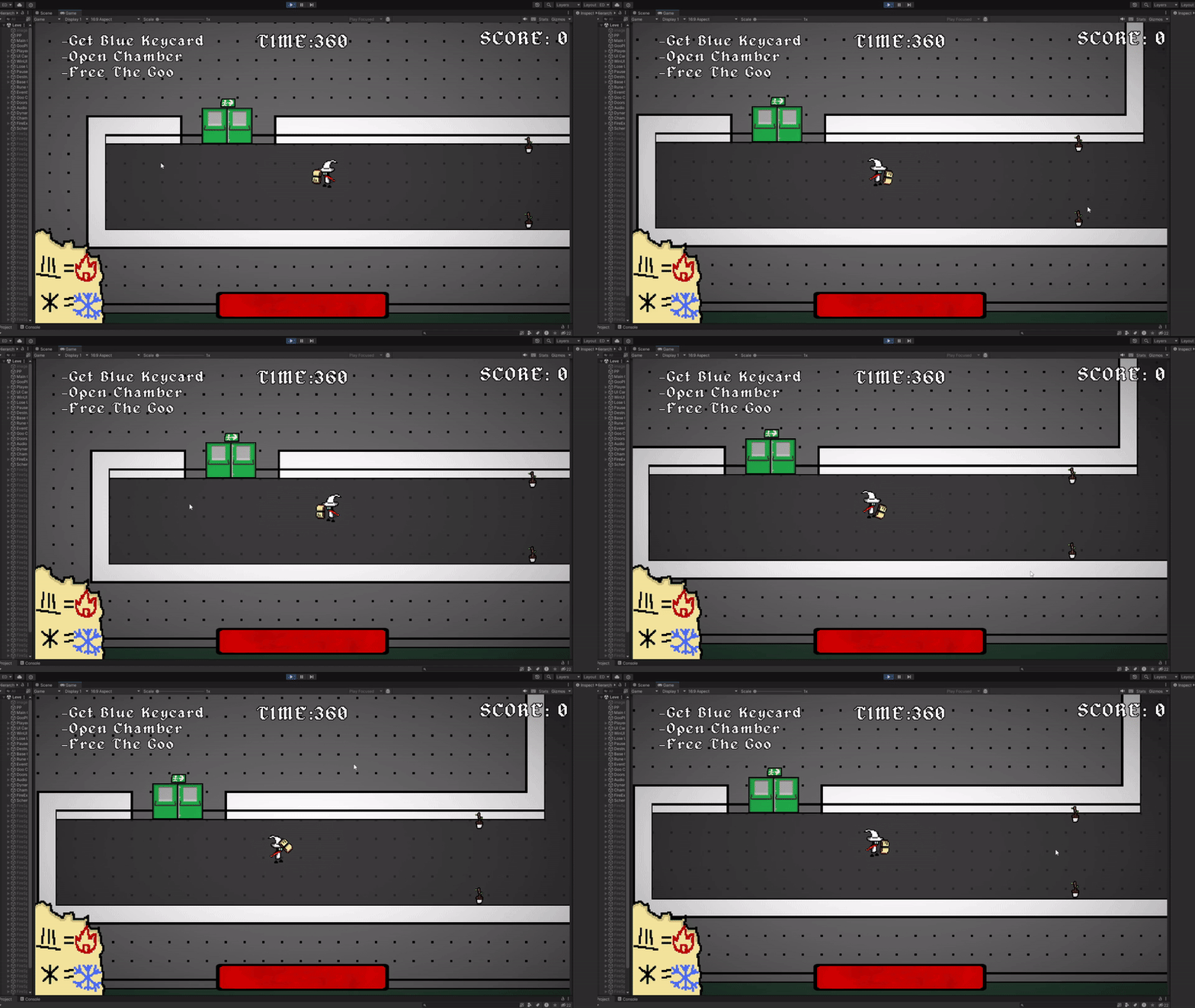
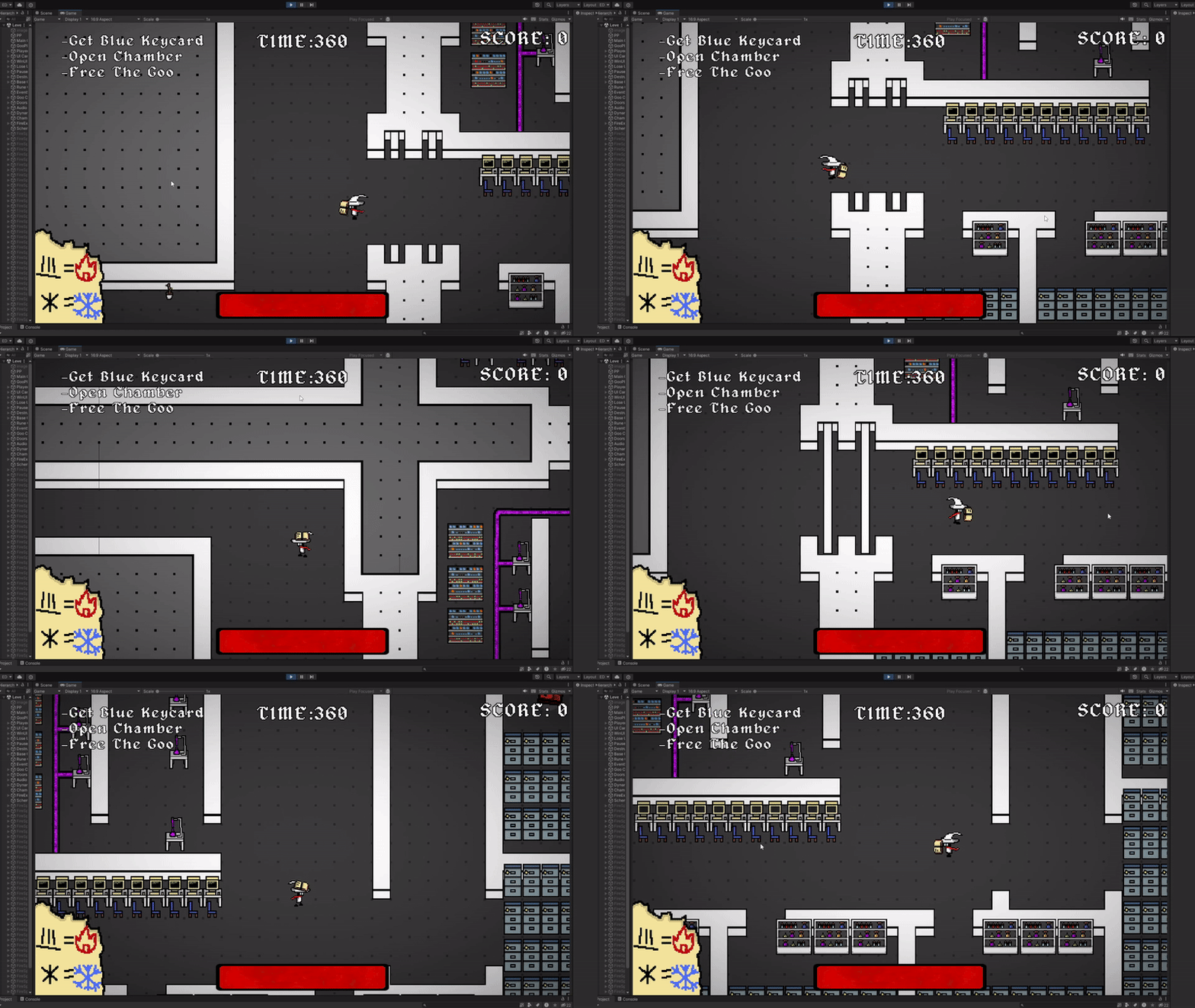
We decided on having the camera pan towards where the mouse was going to point. Because the mouse was probably going to move around a lot, I needed to ensure that the camera moved
smoothly regardless of how drastic the mouse movements were.
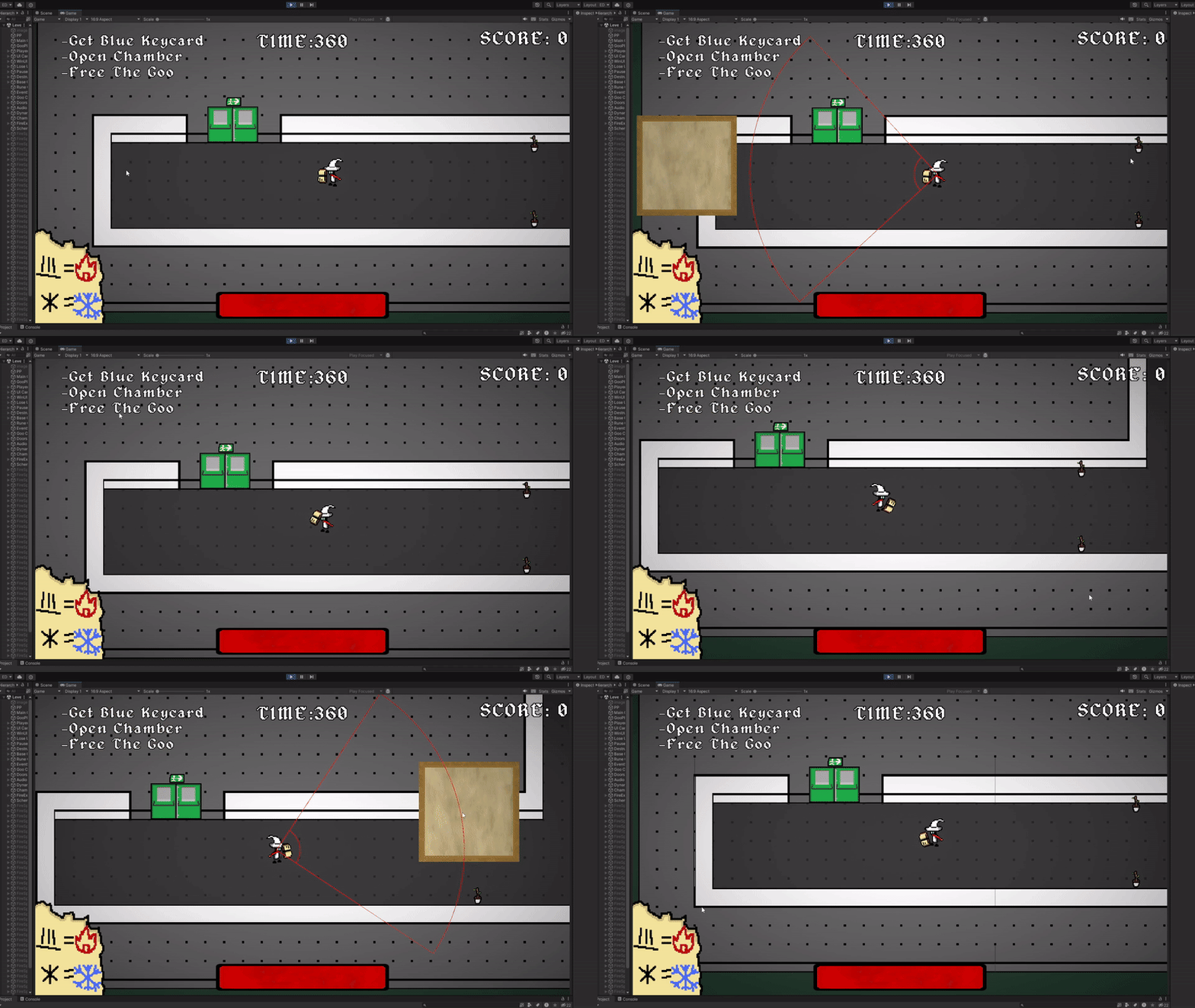
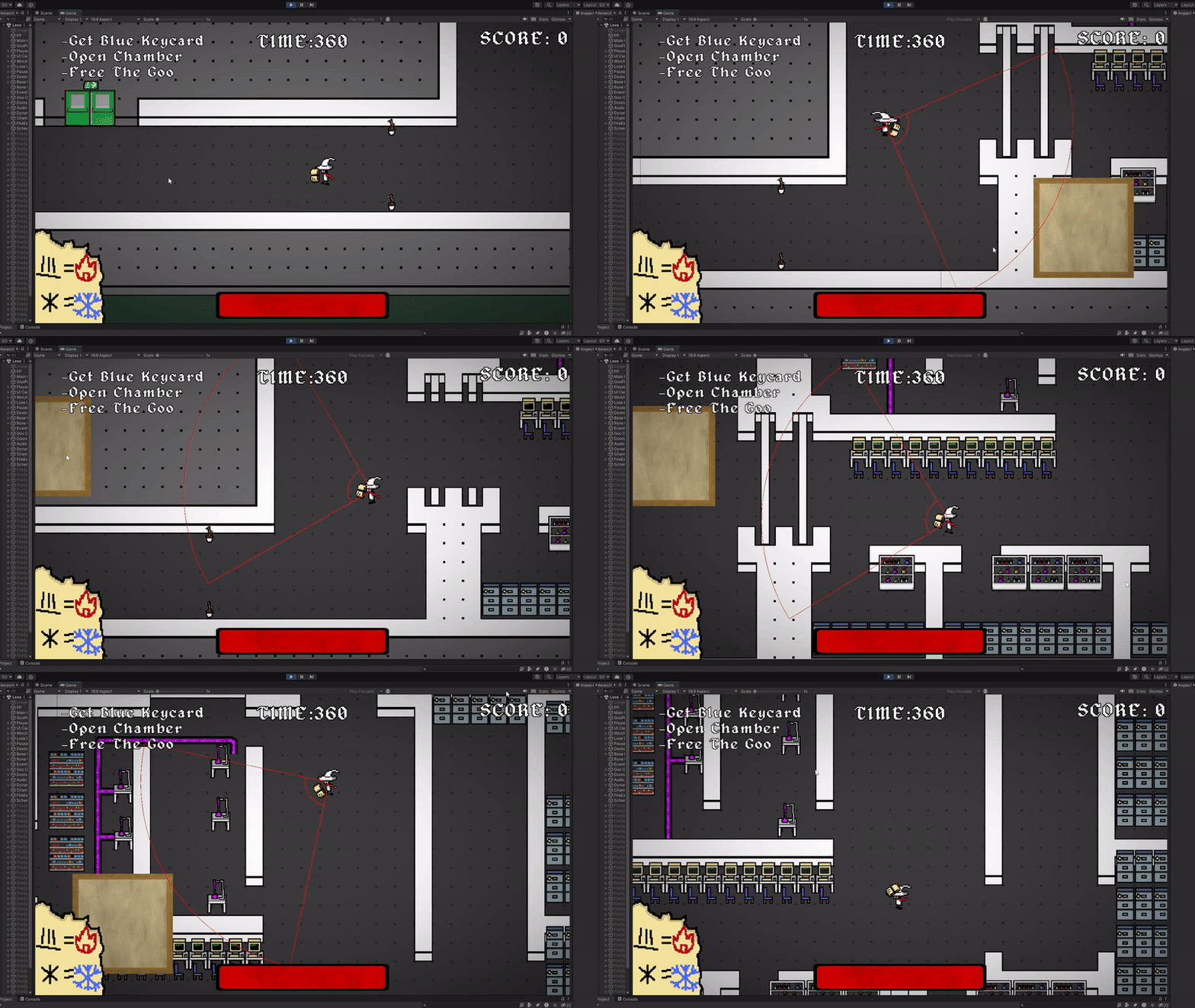
Furthermore, once the player decides to cast a spell, the direction that they are facing is locked in until they leave the spell casting interface. For this, the camera handles its position as if the mouse was frozen.
Player Movement
My main goal here was to make the player feel satisfying enough to control where nothing was noticable by the player. Player movement is quick to accelerate to max speed and slightly slower to decelerate to idle. This alongside the smooth camera movement helped character control to feel less sickening with the player’s relatively quick movement speed.
The player is still able to move when casting. Same camera motions apply here.
Spell Casting
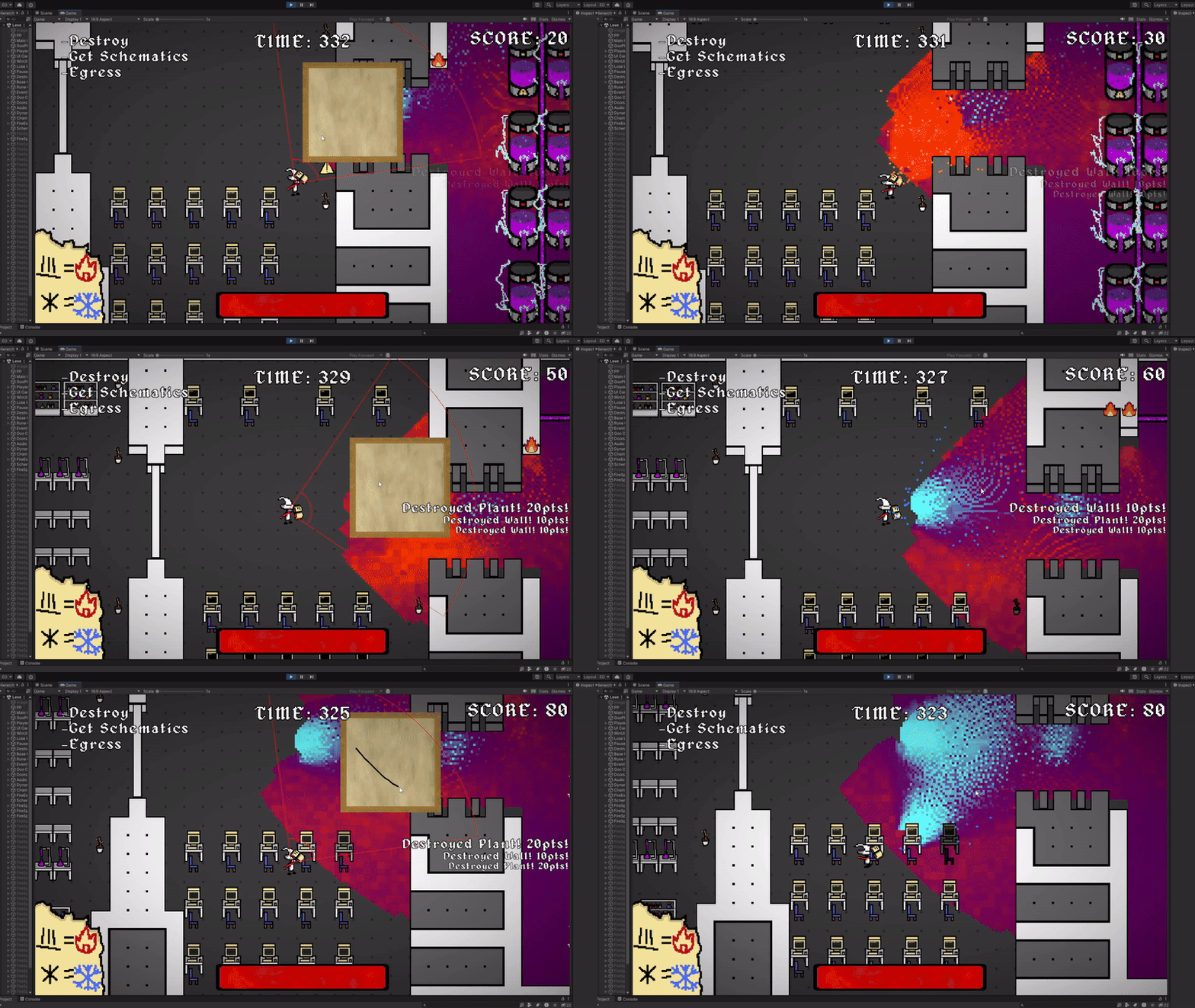
Using the system to effect specific points of the goo (created by other members of the team), I put together how the spells are cast onto the goo. For casting the spells, the choice
was between using a line drawing algorithm or using parametric equations to determine the effected pixels. I ultimately ended up going for the latter because it allowed me to easily
delay certain areas of the spellcasting, instead of changing all the pixels of the goo in one frame, giving more control over the spell’s animation. The pattern produced by this method also looked cooler according to the team.
Tile Managing
We wanted the tiles of the world map to be larger than a standard square so that when the player brushs against a wall from above, it slightly covers them. At the time I wasn’t as familiar with Unity’s tile system, so I put together a small script that detects the changes on one tilemap and applies the accordingly to ther other. This worked in both the editor and during gameplay, allowing for easy alteration of the map for the level designers and the person managing the goo’s ability to destroy things.